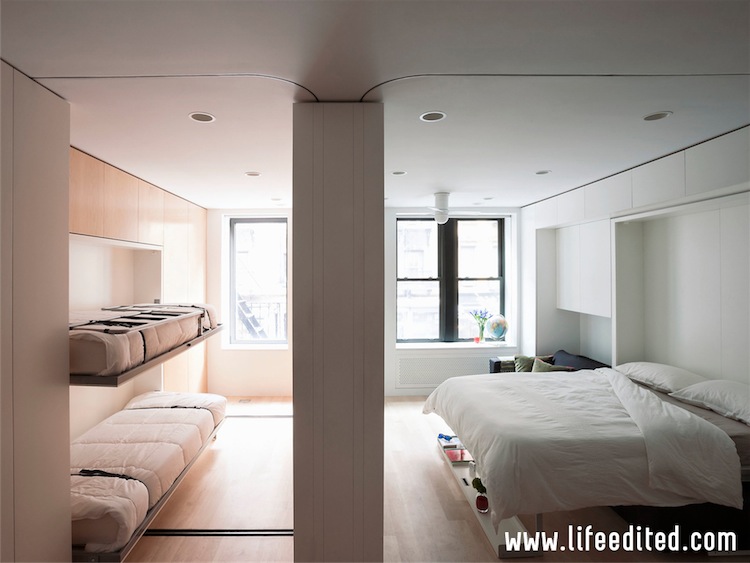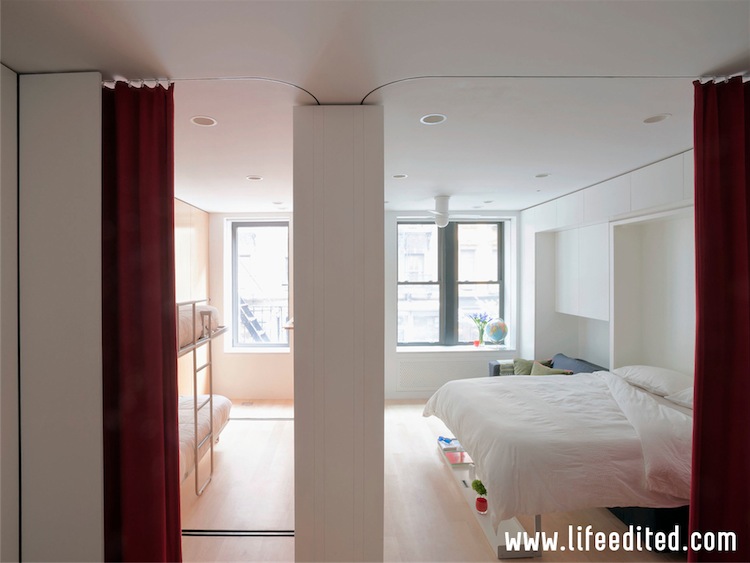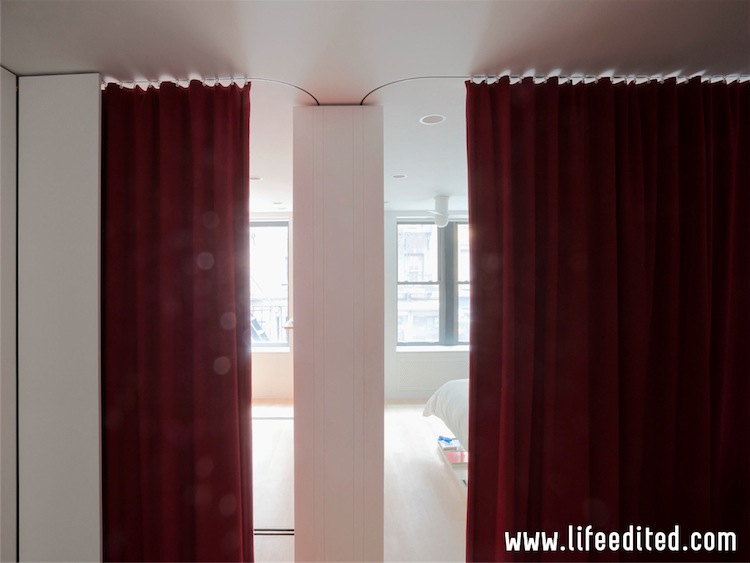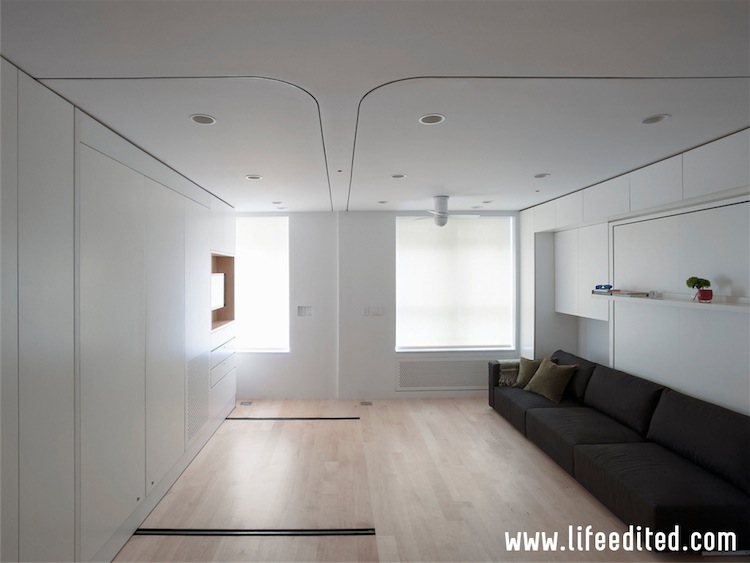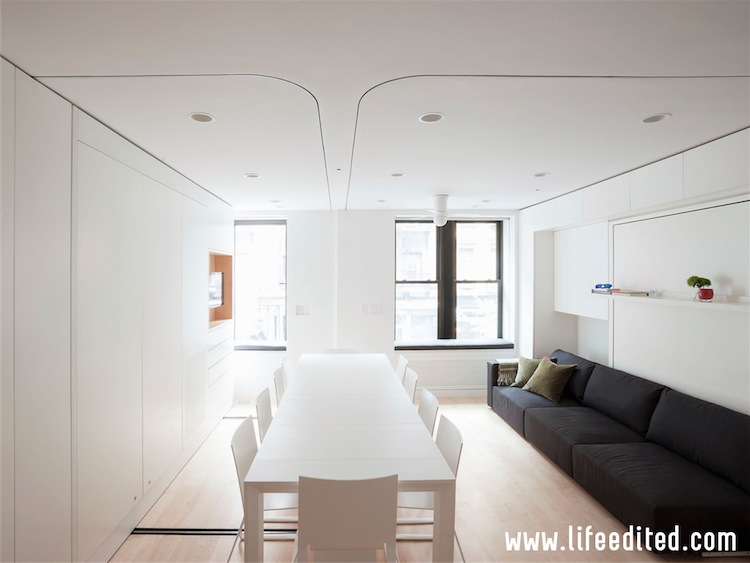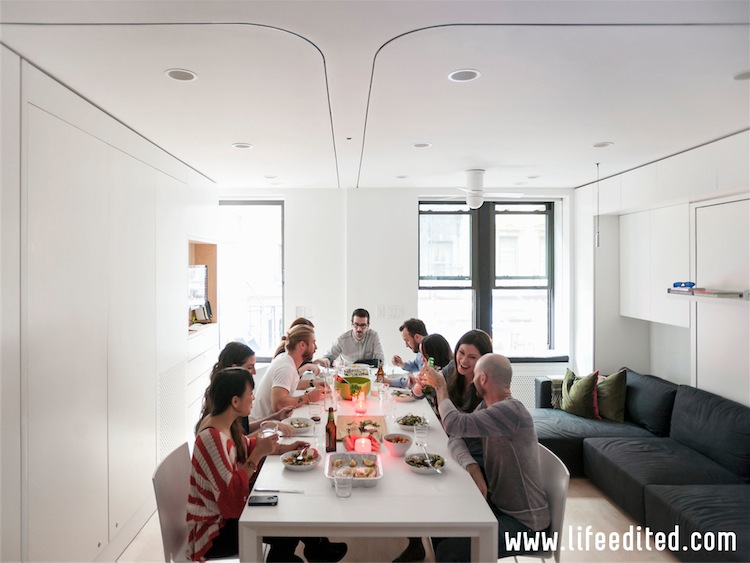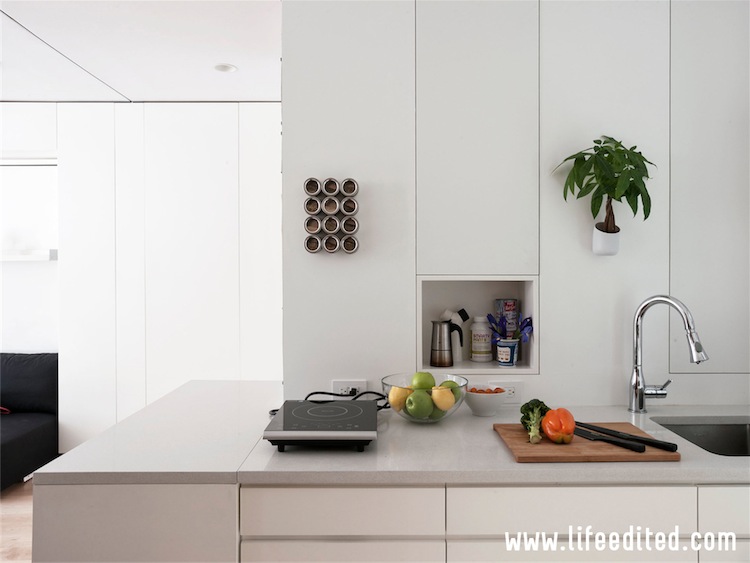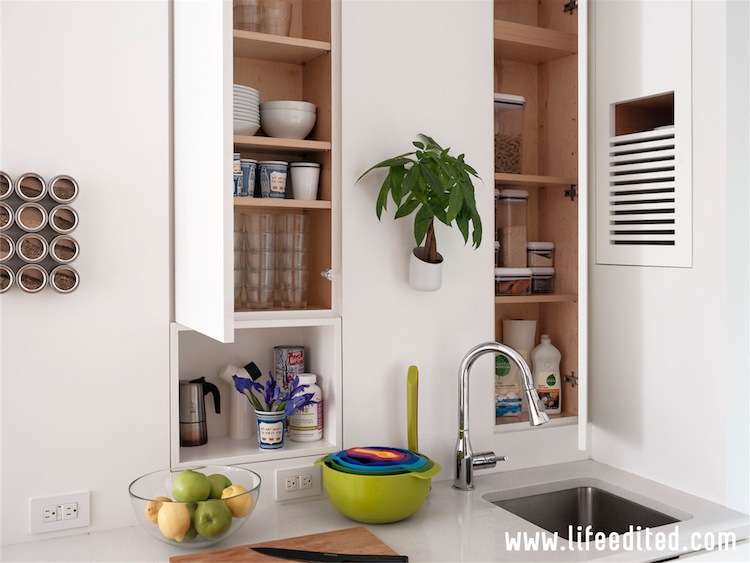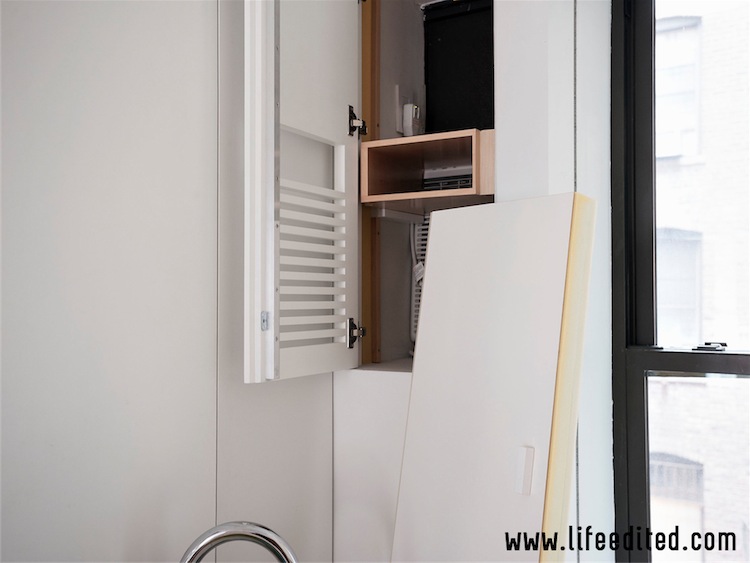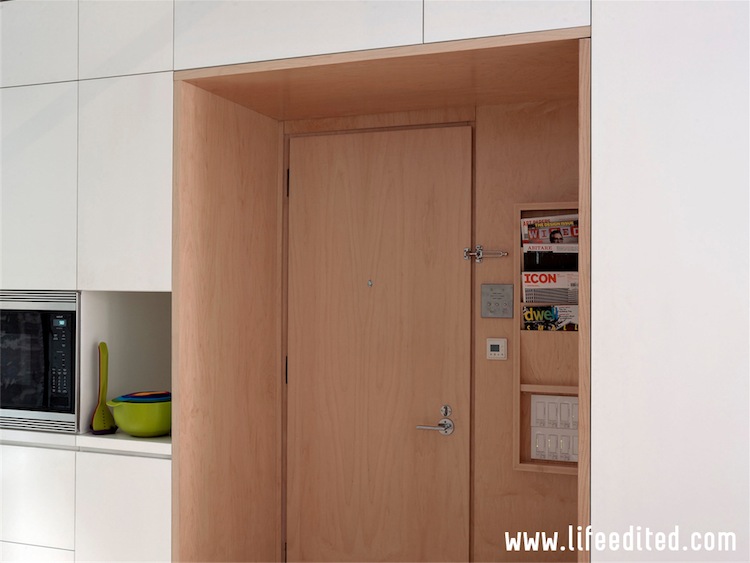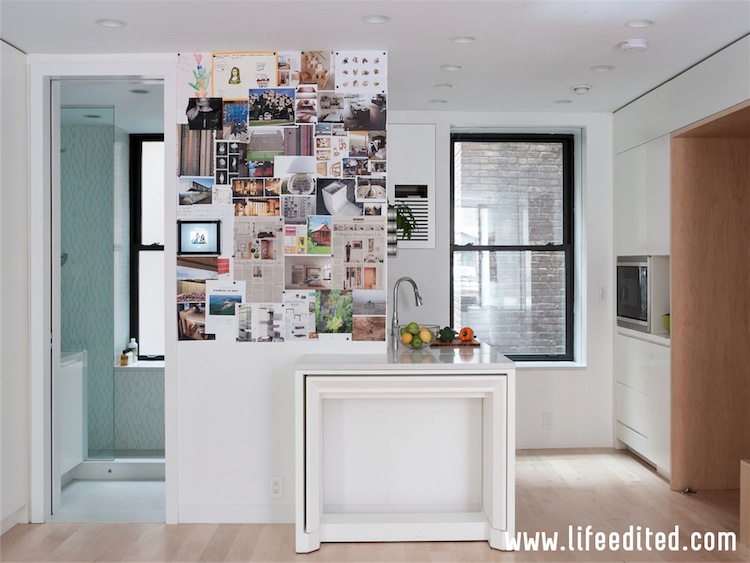
LifeEdited Maui in the New York Times!

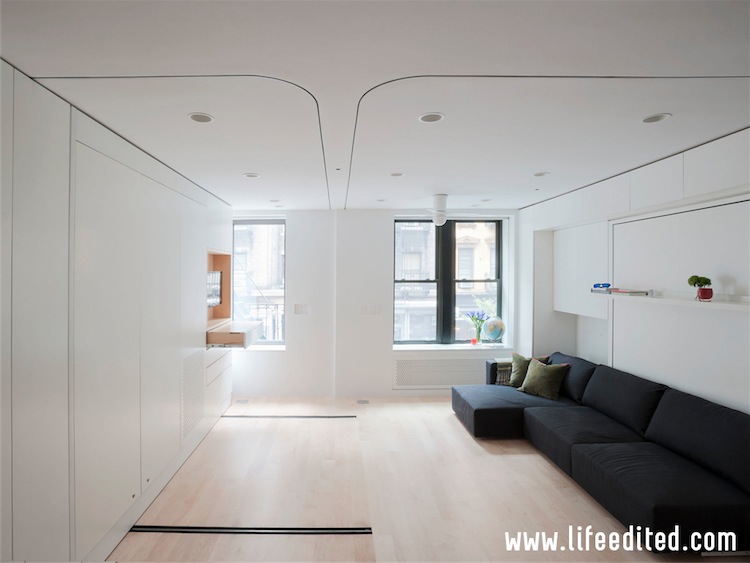
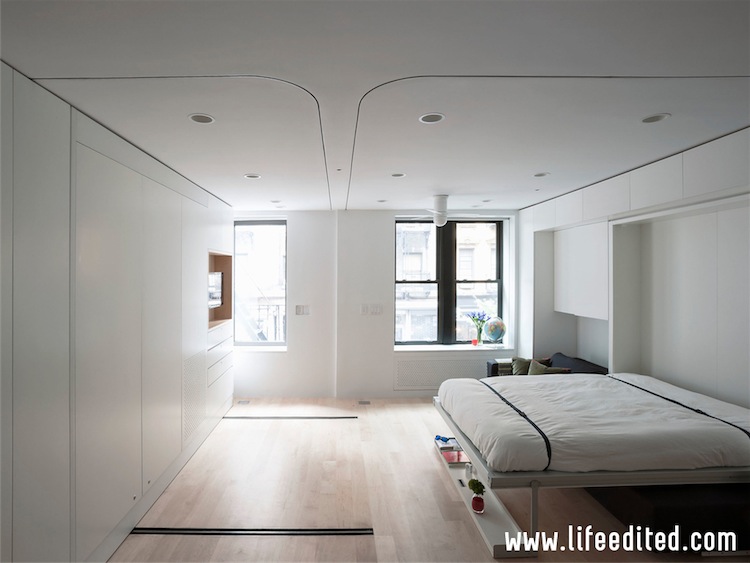
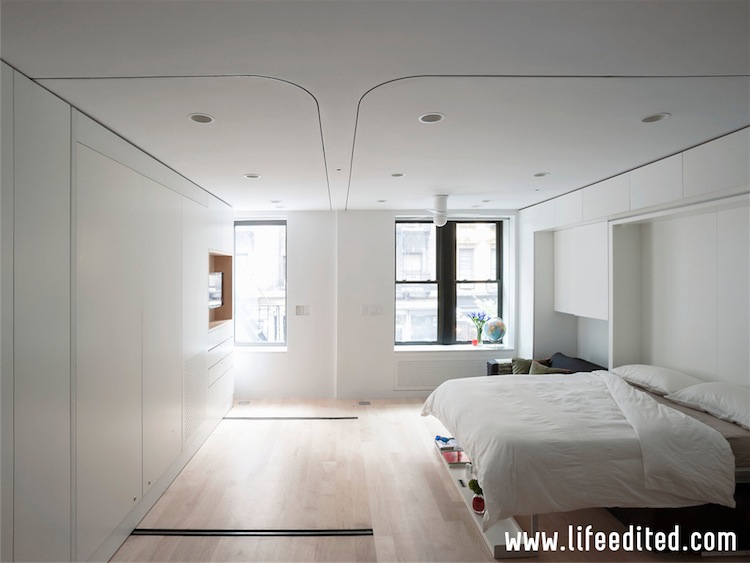
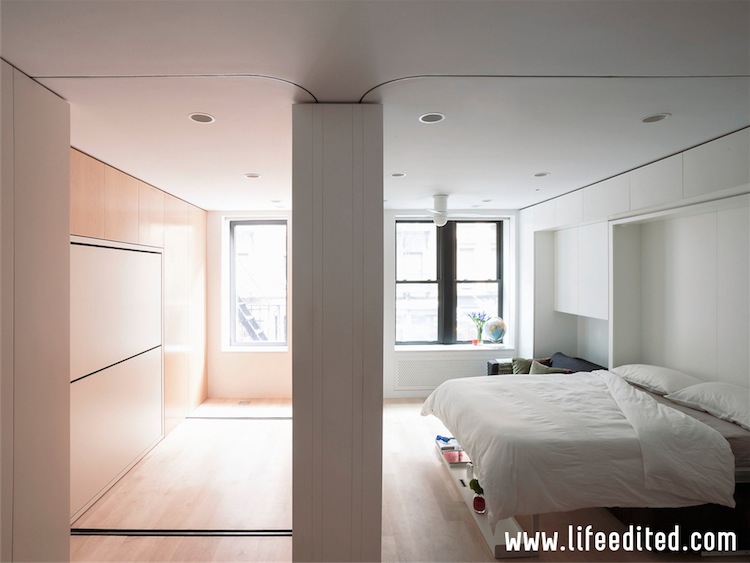
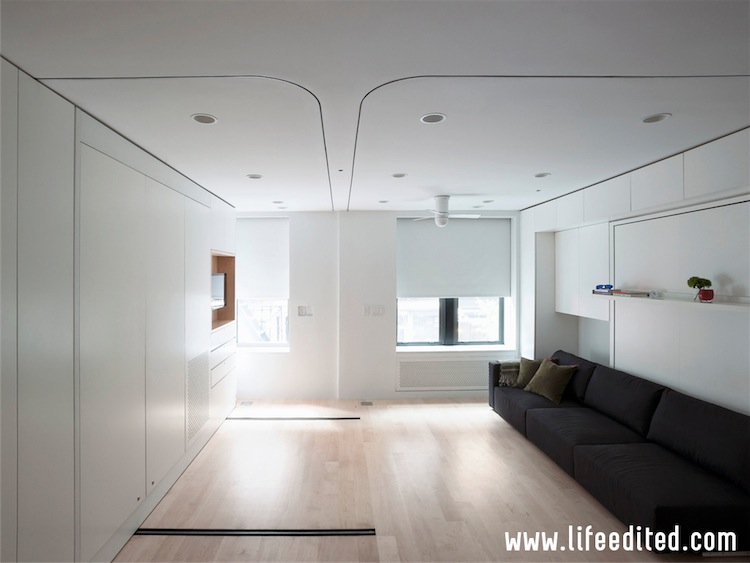
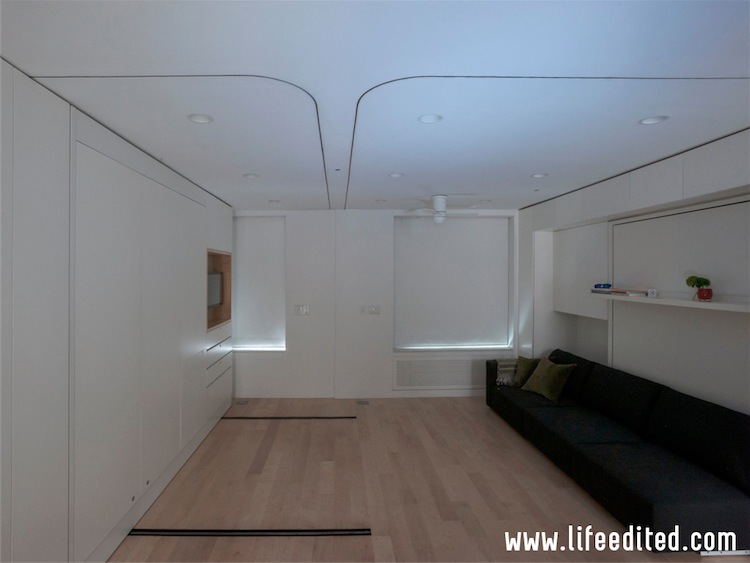
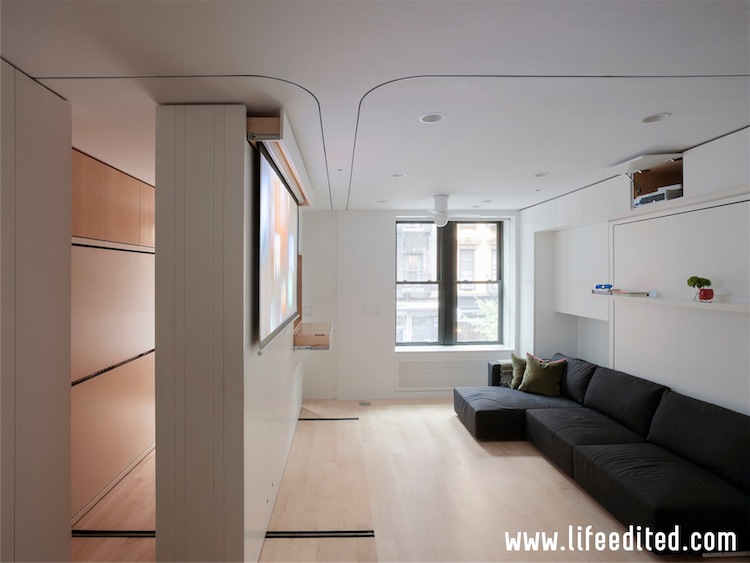
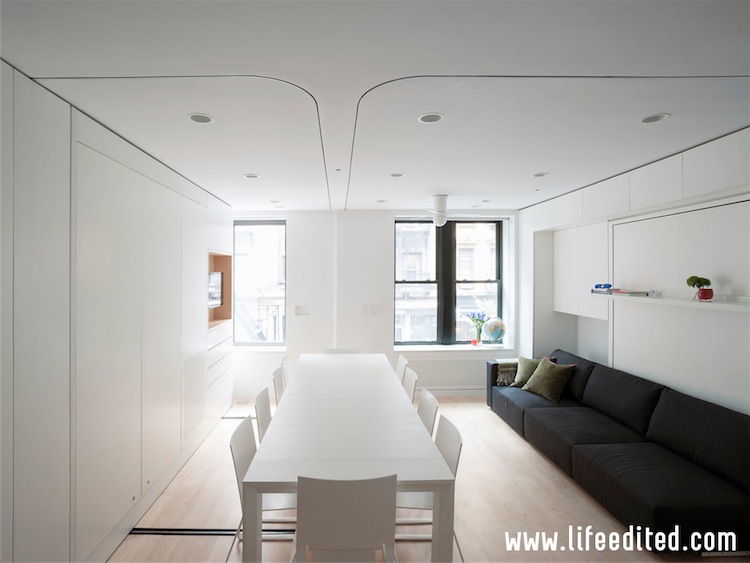
LifeEdited Maui just debuted in the New York Times! Here is a short description. We’ll be publishing more later this week, so please check back and subscribe to our newsletter, or follow us on Instagram, Facebook, Twitter, or YouTube.

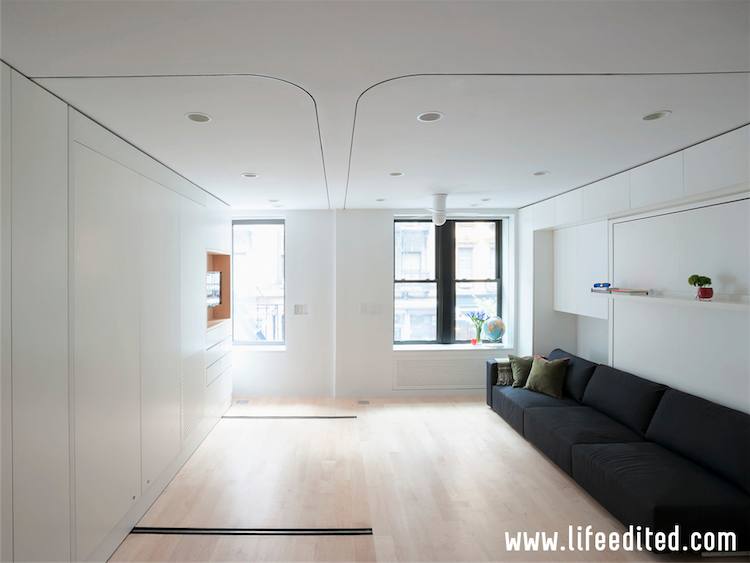
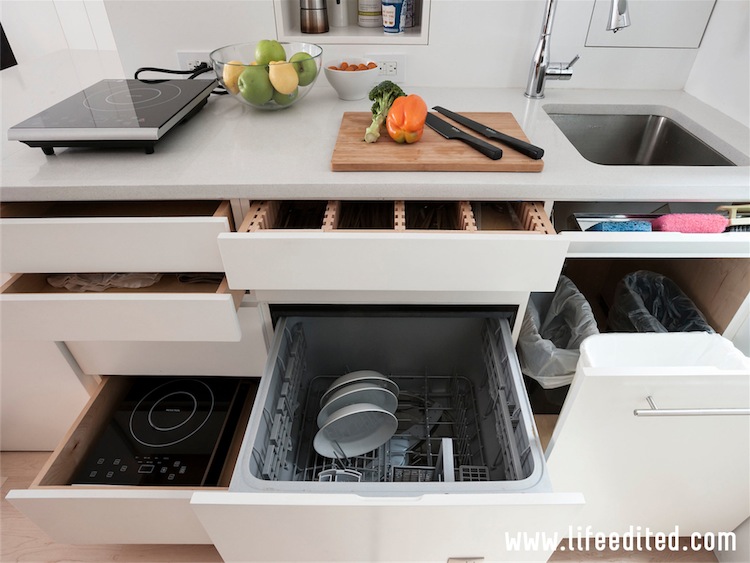
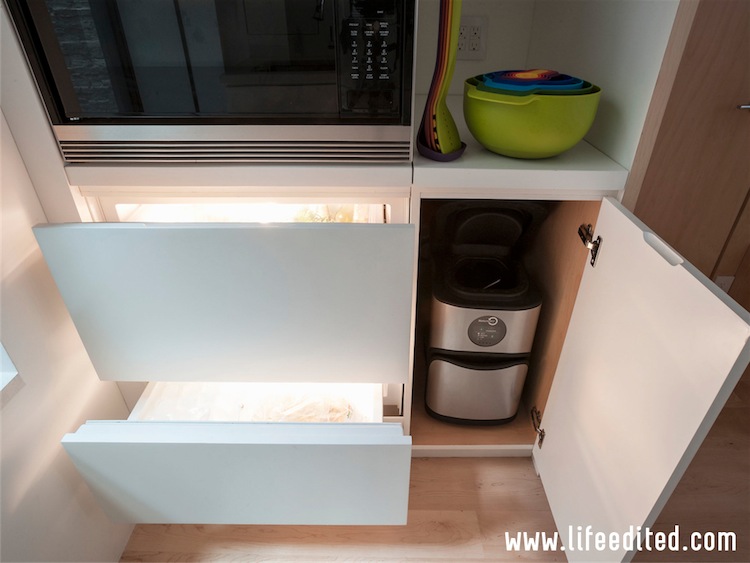
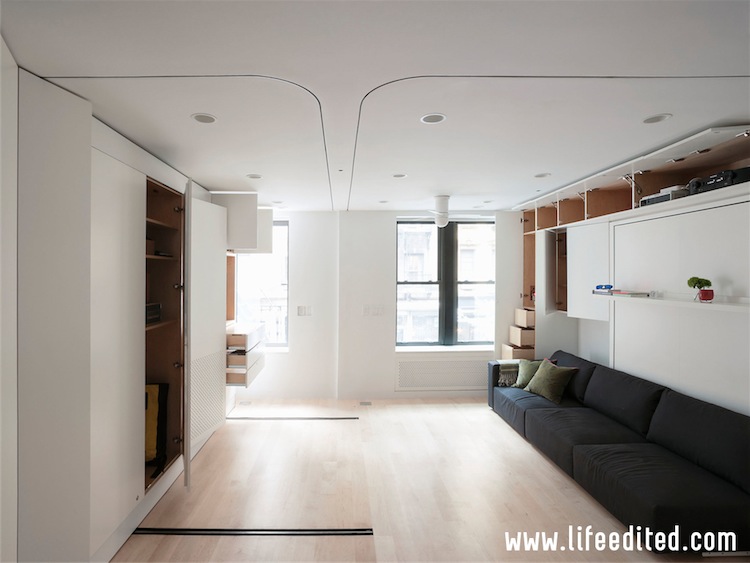
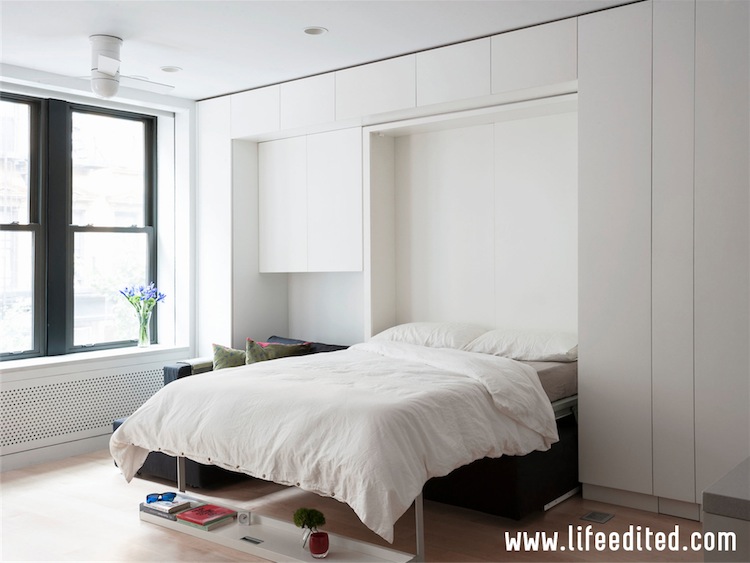
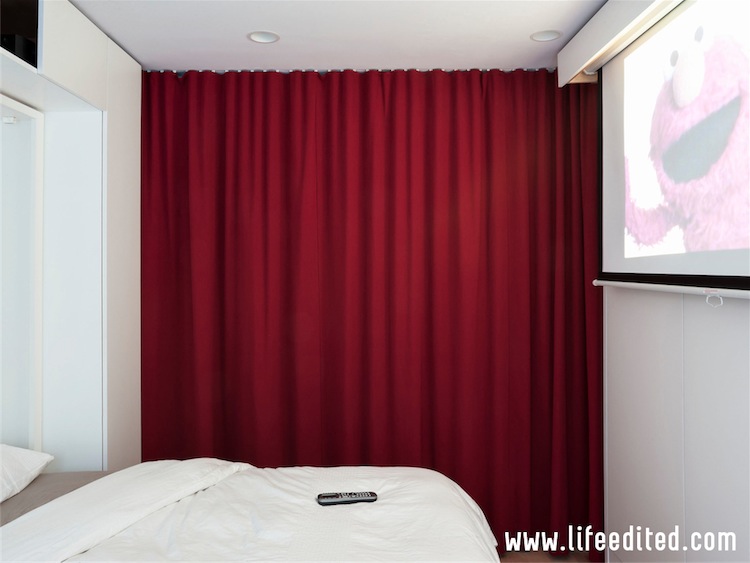
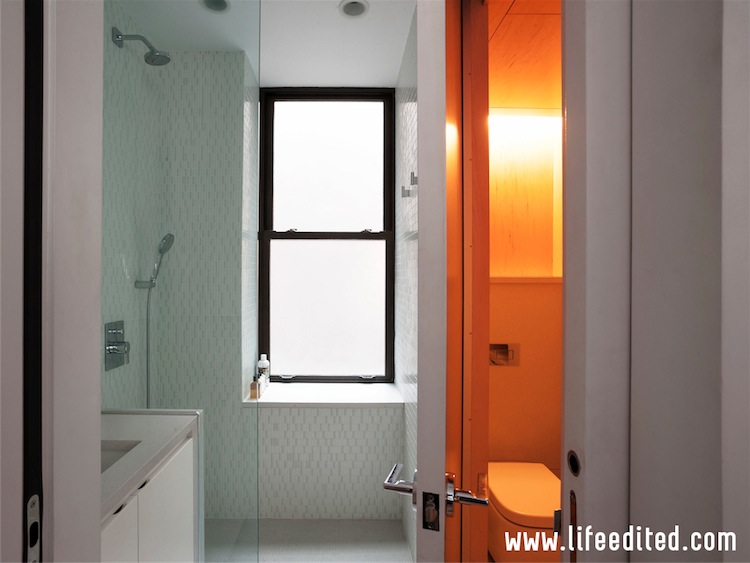
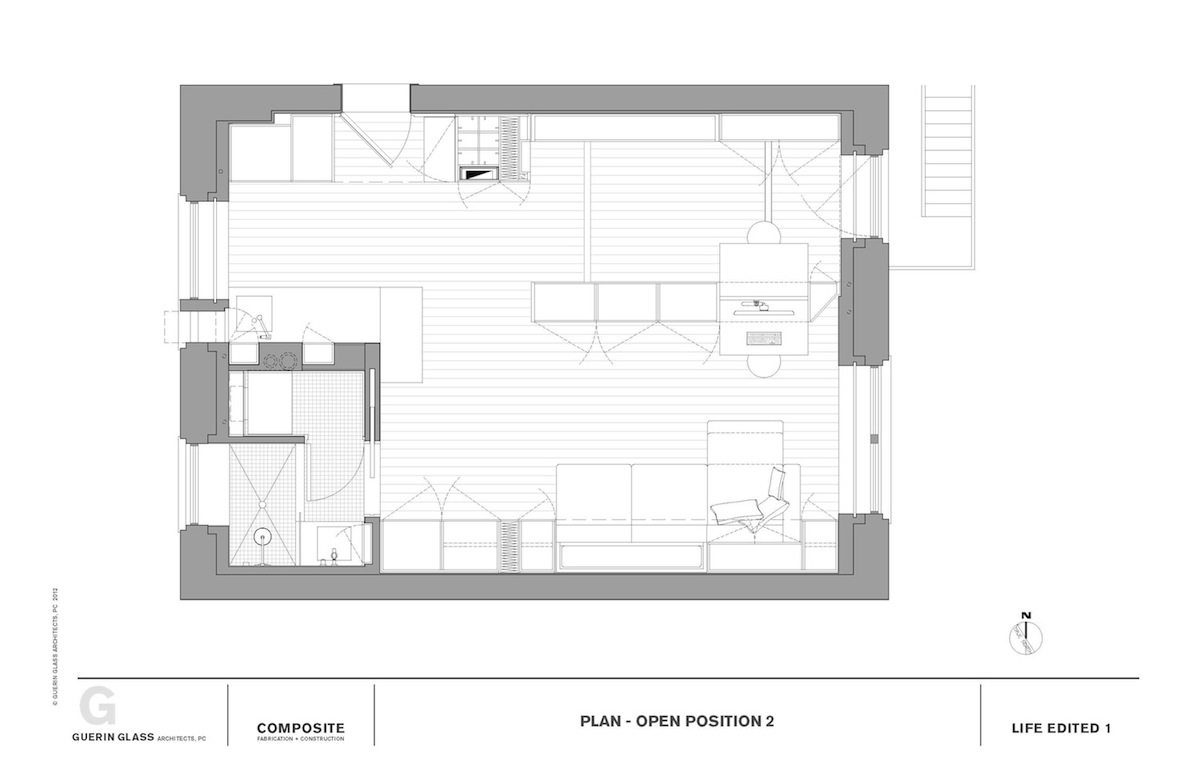
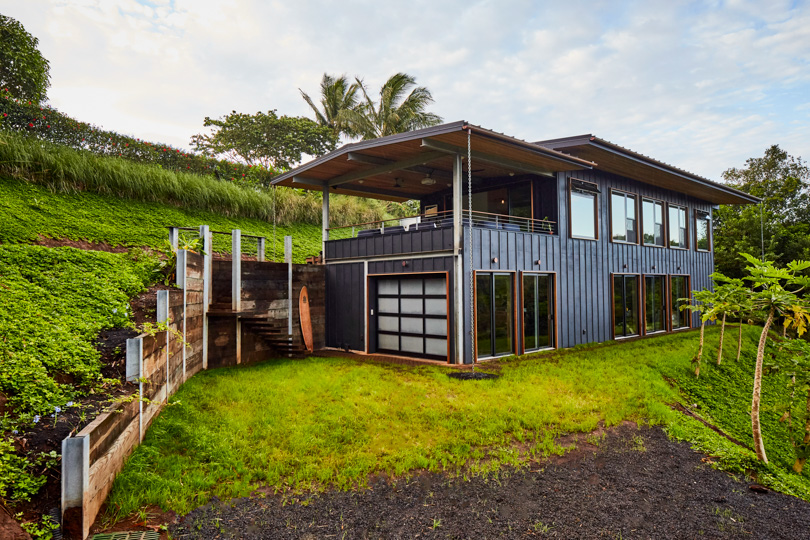
LifeEdited:Maui is a model for how we can innovate to live in the future. It allows a family to live a big, happy, modern, convenient off-grid life in a 1,000 square foot home that functions like one twice its size. Some key details:

Want to know more? View the view the New York Times photos, see the detailed description, or contact us.

Would you like a home or apartment like this? If so, read about our design consulting servicesIf you are interested in renting or owning this specific home or the LE2 apartment in NYC, please contact us.

The Vero Tiny House from Covo and LifeEdited

Vero Tiny House Exterior

Do you like LifeEdited designs but wish you could find them in a tiny house? Well, you will soon be in luck. Covo Tiny House Co and LifeEdited have announced an upcoming tiny house model, the Vero. Covo is known for elegant tiny homes. And LifeEdited is known for elegant space-efficient sustainable living. So it is a natural match, and we’re pretty excited! The Vero tiny house will be out next year. We can’t share a lot of details just yet, but you can find a bit more information on the Vero product page.
We’ve been approached by tiny house RV developers before. But this is the first time that it really felt right. So we’ve been working as a speciality consultant to Covo for several months now. It’s going really well. We will be excited to tell you more when we can — you’ll recognize the LifeEdited approach, but you’ll also see some things that are new to both LifeEdited and to tiny homes.

For a bit more information, see the Vero product page.

Home Automation

Photo by Deutsches Uhrenmuseum Furtwangen

Home automation is not just for nerds like me anymore. It promises energy efficiency, convenience, and a bit of fun. And it’s *much* easier to setup than it used to be.

I’m an engineer so I like to start from requirements, and I think you should too. Here are the requirements for our new showcase apartment LifeEdited 2:

  • Light control
  • Fan control
  • Door lock control
  • Smoke alarm
  • Air quality monitoring
  • Energy usage monitoring

Once you know what you want, I suggest looking at the ecosystems that support most of the above:

  • Nest / Google ecosystem
  • Insteon ecosystem
  • Amazon Echo ecosystem
  • Apple HomeKit ecosystem
  • Belkin ecosystem
  • Savant ecosystem
  • SmartThings ecosystem
  • Lowe’s Iris ecosystem
  • Wink ecosystem
  • And yes, there are more ecosystems

Since that is a rather daunting list, let me tell you a little about the systems that we chose for LifeEdited 2:

  • Nest. We have a Nest Protect (smoke & carbon monoxide detector) and a Nest Indoor Cam. We’ll write more about these in another post. But in short, they’re great.
  • Works with Nest. Nest also has a Works With Nest program for other manufacturers. We have a BigAss Haiku ceiling fan and Hunter Douglas motorized blinds. In other words, lots of automated ways to keep people comfortable without spending a lot on heating, cooling, and lighting.
  • Insteon. We are using Insteon in-wall switches, dimmers, keypads, and fan controllers. All of which can also be programmed and controlled from an app. It’s amazing how the feel of the apartment changes with the “relax” scene that dims all of the lights in the apartment.
  • Amazon Echo. Graham bought an Amazon Echo for the voice control. It works with a surprising number of home automation components. Graham also now has a Google Home device, and it will be interesting to see how it compares to the Amazon Echo.

Are you using Home Automation? We’d love to hear your experiences.

This post is one in a series that describes our LifeEdited 2 showcase apartment. LifeEdited 2 embodies our green, space efficient, and minimalist principles. We view LifeEdited 2 as a lab for experiencing things that are consistent with these principles. Some of the products above were given to us (Nest Protect, Nest Indoor Cam, BigAss ceiling fan, Hunter Douglas motorized blinds, Insteon equipment).

Minimalist Home Office Set Up

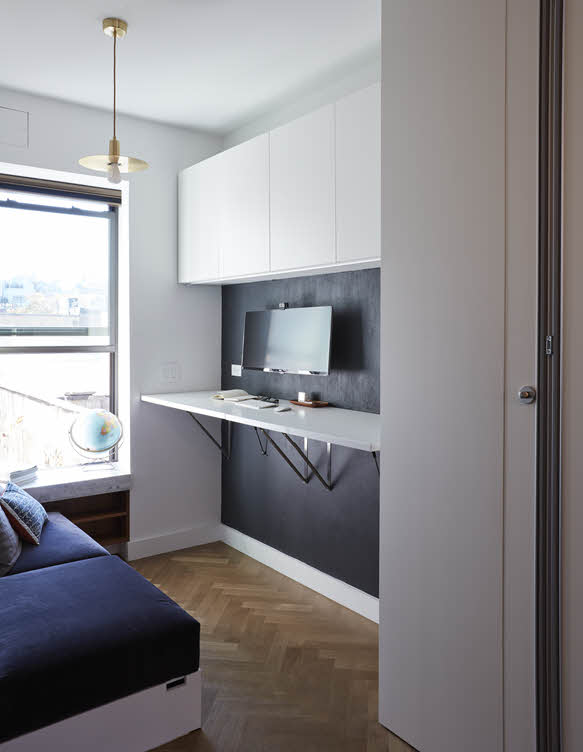
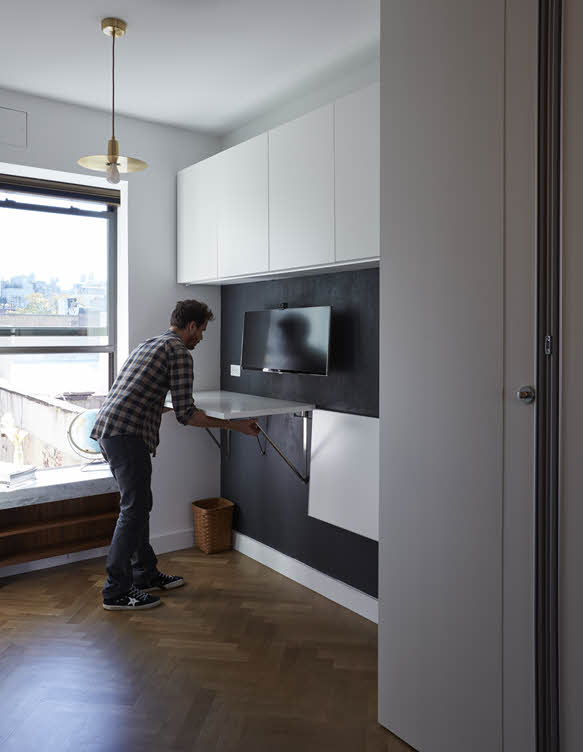
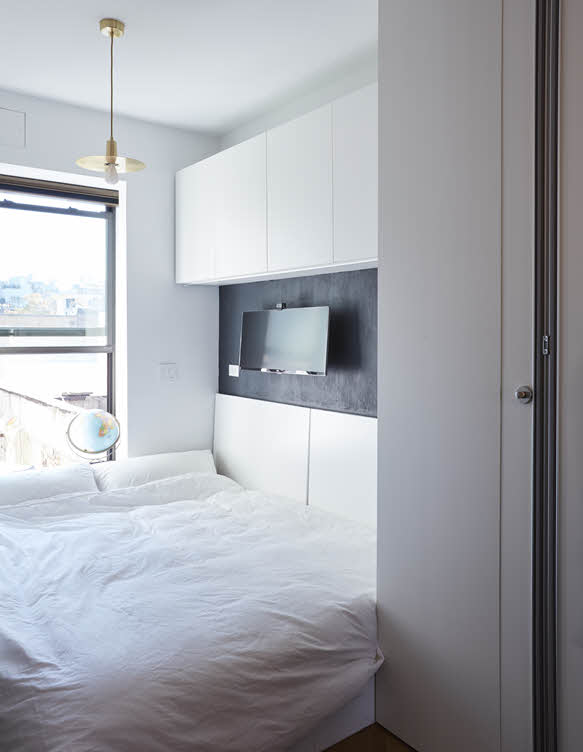
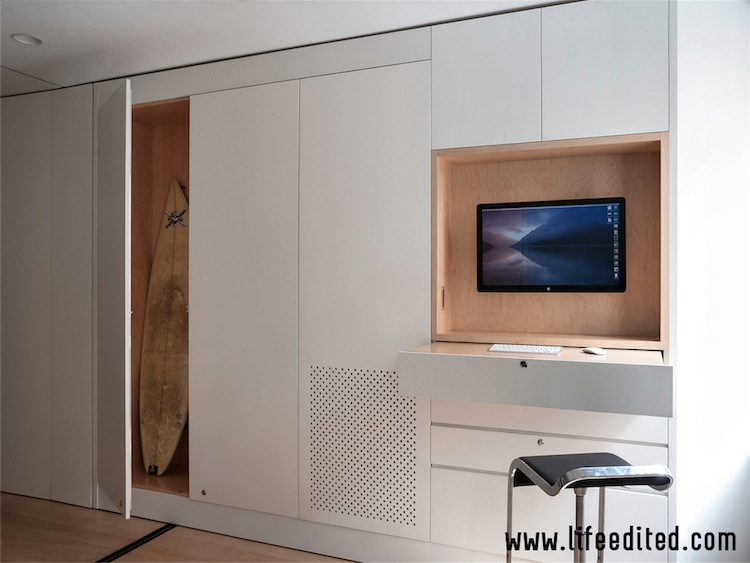
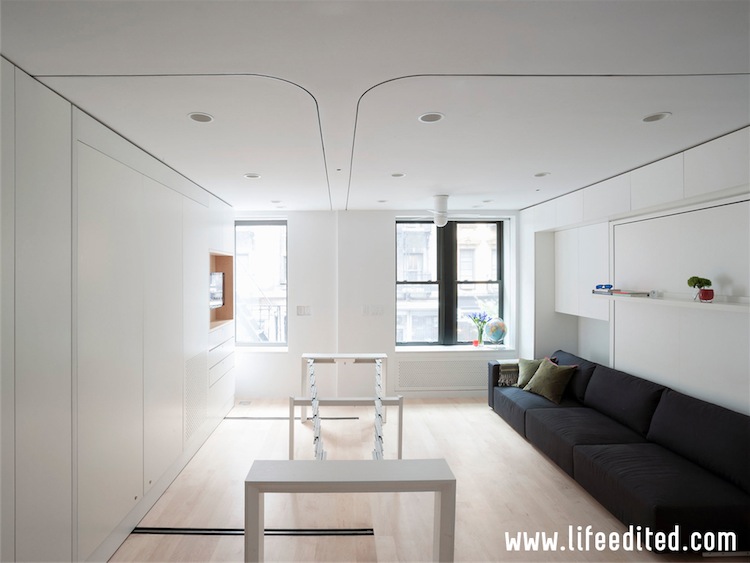
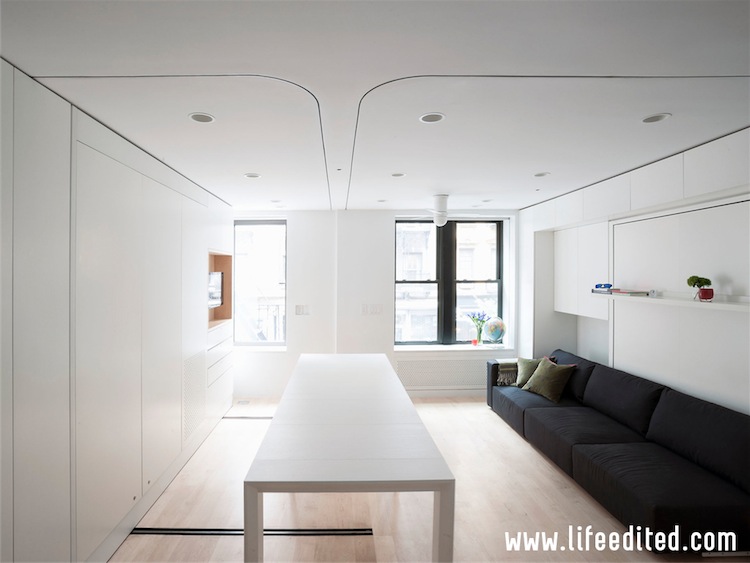
The LifeEdited 2 home office / guest bedroom is a classic in space efficiency. Apartment dwellers can work at a large stand-up desk with a 34-inch screen and two guests can sleep comfortably, all in one room that is just a bit bigger than a queen-sized bed.

What we used:

  • LG 34UM95 34” wall-mounted monitor
  • Wireless keyboard and mouse
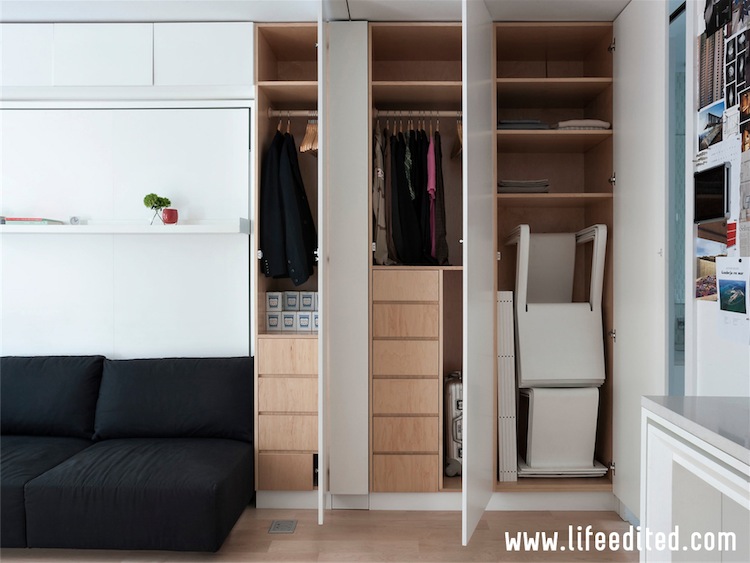
  • MacBook & printer in the closet, connected via hidden cables running through the wall
  • LifeEdited-designed moveable sofa segments that assemble into a guest bed
  • New Concept Table from Resource Furniture (two of these, they fold down)

What we like:

  • It’s a potent home office
  • It has a minimalist feel to it — the messy bits are in the closet
  • Transformation to guest mode is pretty quick

Alternatives:

  • That 34” screen is *really* nice, but a 24” could also work well
  • You could wall-mount an all-in-one computer e.g. an iMac or curved HP Envy

This post is one in a series that describes our LifeEdited 2 showcase apartment. LifeEdited 2 embodies our green, space efficient, and minimalist principles. We view LifeEdited 2 as a lab for experiencing things that are consistent with these principles. The fold-down table described in this post was given to us, which we appreciate, but we would not have accepted if we didn’t believe in it.

Minimalist Music & Movie System

We all want to listen to music and watch movies, but we don’t want the technology to get in our way. Thus for LifeEdited 2, we deployed a very capable but very simple system.

Our needs:

  • Play music from Spotify
  • Play movies from Netflix & iTunes
  • Allow guests to use the system without reading a manual
  • Energy efficiency in all of the above e.g. music can play without the TV being on

What we used:

screen-shot-2016-12-01-at-8-19-05-pm

What we like:

  • Music sounds great!
  • Total cost is less than $1,000
  • No need for a big A/V receiver or subwoofer
  • To control it, all you need is the tiny Apple TV remote and a phone
  • Guests have successfully used it

Alternatives:

  • Rather than an Apple-centric system use a Google Cast system, or an Amazon-centric system, or a Sonos system, or a Roku system
  • Projectors can also be great for small apartments — less wall space taken up.

This post is one in a series that describes our LifeEdited 2 showcase apartment. LifeEdited 2 embodies our green, space efficient, and minimalist principles. We view LifeEdited 2 as a lab for experiencing things that are consistent with these principles. None of the products above were given to us.